Getting started
Honest Cheetah for GitHub
There's nothing to install. Honest Cheetah is a web app that signs in with your GitHub account.
- Go to app.honestcheetah.com and sign in with GitHub. GitHub asks you to authorize Honest Cheetah to access your repositories and read your organization memberships. HC writes to GitHub only when you click a button that says it will.
- Pick an organization. Any org you own, and any org that allows the app, appears in the list. So does the demo org, which you can explore without connecting anything.
- Pick a Projects v2 board, or use the project factory to create a repo, a board, and a sample backlog in one step.
If your organization isn't in the list
Most company organizations restrict third-party OAuth apps by default. An org owner has to approve Honest Cheetah before it can see the org's data; until then, the org won't appear. Ask an owner to approve the pending request under the organization's third-party access settings, then sign in again. More on this →
Importing a team project from Azure DevOps
- Create a personal access token in Azure DevOps. One organization, seven days, scope Work Items (Read). Add Analytics (Read) if you want throughput and cycle time history to come with it. The wizard's Connect step has the same instructions with a link to the right page.
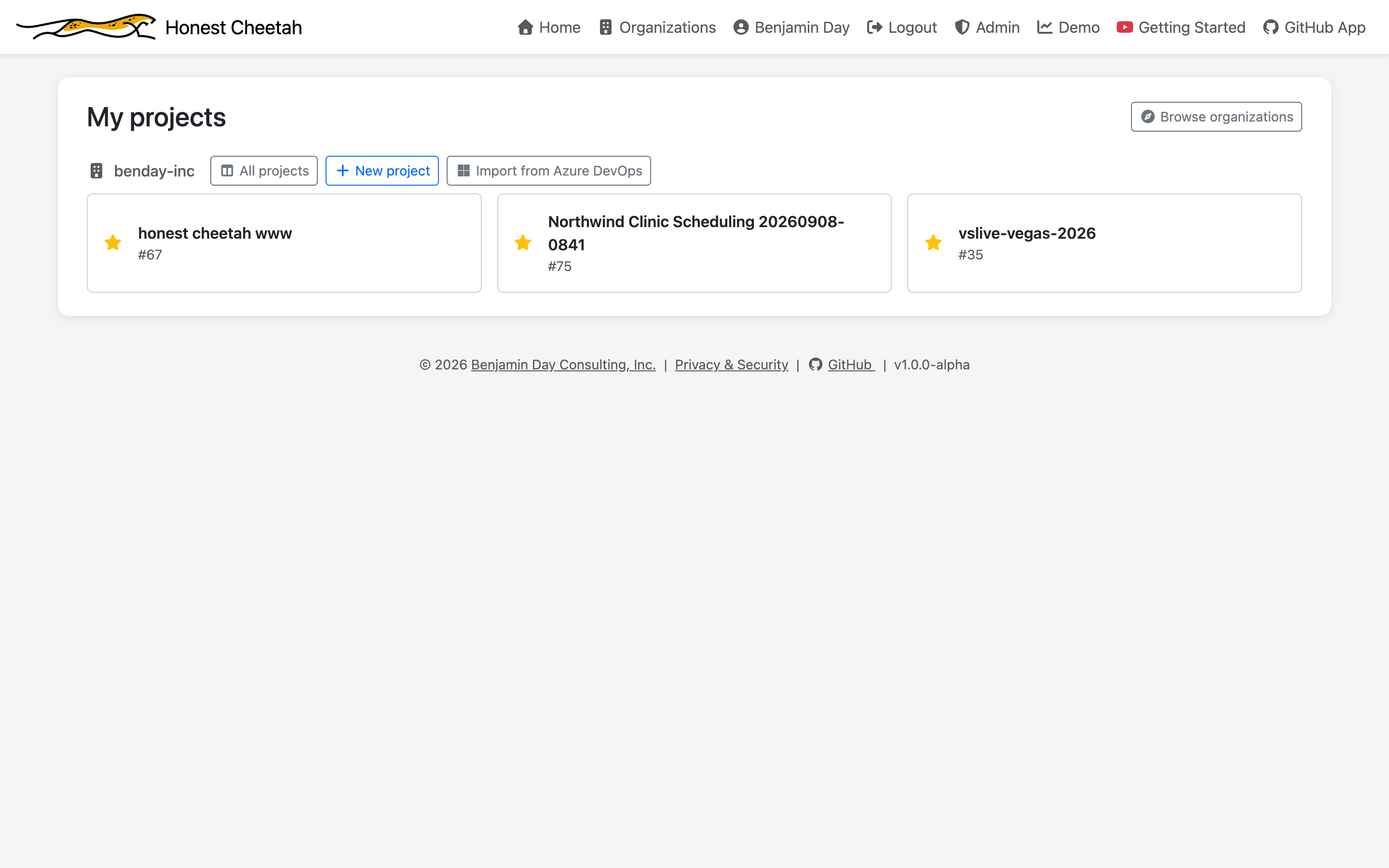
- In Honest Cheetah, click Import from Azure DevOps on My projects or on your organization's project list. Paste the organization URL and the token.
- Pick the team project and a target board. No board yet? The wizard offers to make one through the project factory, named after the team project.
- Read, review, preview, load. Keep the tab open while it runs; if you leave, it pauses and resumes when you come back. What each step does →
- Revoke the token in Azure DevOps when you're done. HC forgot it the moment reading finished.
Honest Cheetah for Azure DevOps (free extension)
- Open the Visual Studio Marketplace listing and click Get it free.
- Choose the Azure DevOps organization to install it into. You'll need to be a Project Collection Administrator, or ask one to approve the install.
- Open a project, find Honest Cheetah under Boards, and pick the team whose work items you want to see. Metrics are computed from the work item history you already have.