Plan it. Track it. Test it.
Honest Cheetah sits on top of GitHub Projects and does the three things a board can't do by itself: helps you plan and refine the work, tells you how it's really going, and manages your QA testing — cases, runs, and results, right next to the work. Your data stays in GitHub. HC reads it, and writes only what you confirm.
Sign in with GitHub Explore the demo orgWhat it is
Track & forecast
Cycle time and throughput from your own history. Monte Carlo forecasts for "how long?" and "how much by then?" A sprint page, a column that says which iteration each item will probably land in, and a daily briefing on what changed.
Forecast → Iterations → Daily news →Test
The test case management GitHub doesn't have. Cases on the requirements they verify, exploratory testing too, runs bound to builds, evidence attached, and a record of who actually verified what — even when AI wrote the code.
Test → Who tested what? →All the features, one page each → · How the AI works here →
Work in GitHub. Work in HC. Same data.
Everything project management — requirements, tasks, sub-issues, statuses, iterations, backlog order — is GitHub Projects and Issues data, written back to GitHub with your own credentials. Open the same board in GitHub and it's all there. No shadow copy. No lock-in. (Well — apart from your data being locked into GitHub. But you picked GitHub. Thems is the breaks.)
The one exception, stated plainly: test cases, runs, and results live in Honest Cheetah, because GitHub doesn't have a QA product to put them in. That's the gap HC fills. Every test case still links back to the GitHub issue it verifies.
Getting in
- Sign in with GitHub. HC asks for access to your repositories and to read which organizations you belong to. Nothing is written until you click a button that says so.
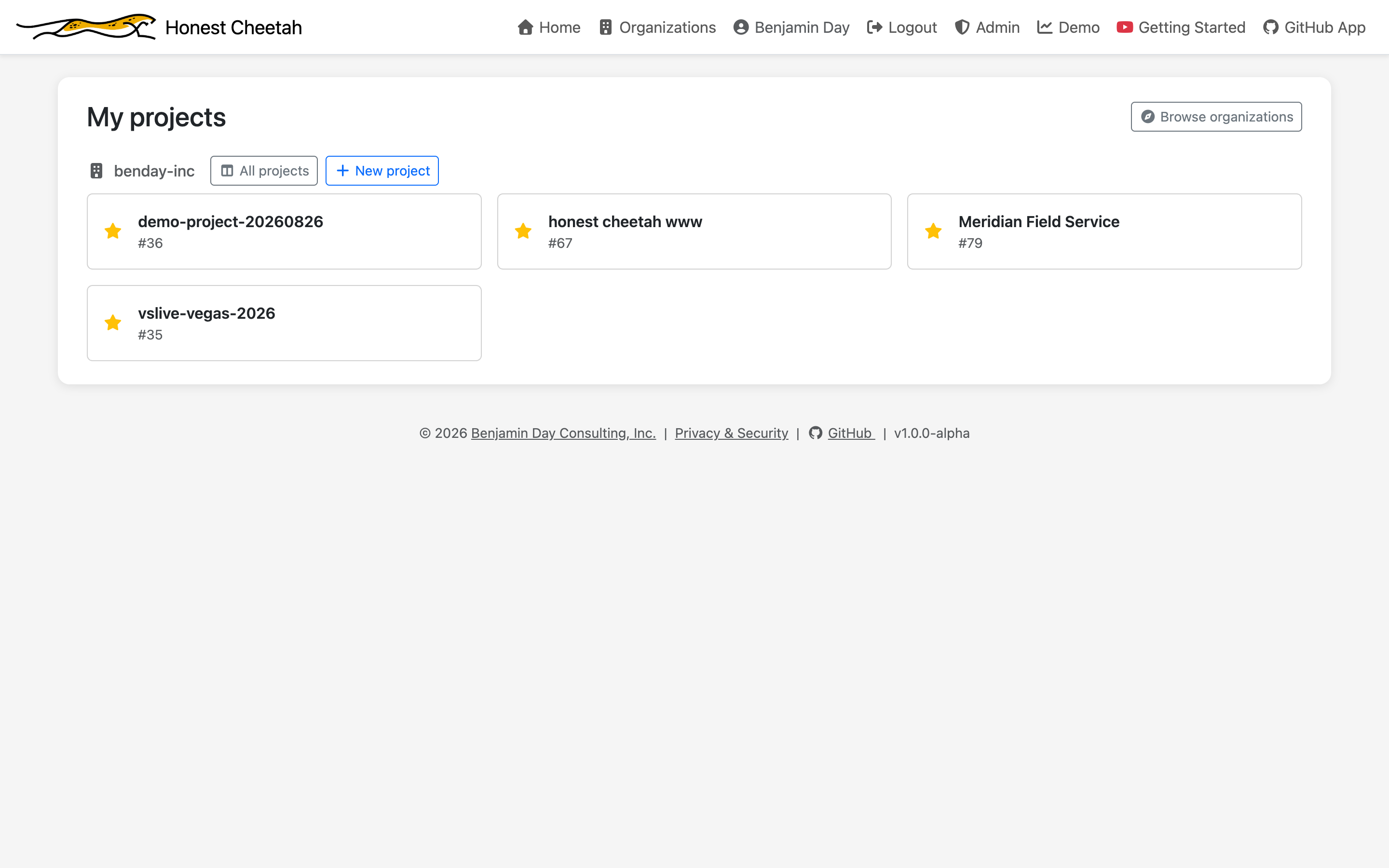
- Pick an organization. Your orgs are listed, plus the demo org.
- Pick a Projects board — or let the project factory make one.
Coming from Azure DevOps? Skip step 3: import the team project and the board, the tasks, the test cases, and the history arrive together.
Why don't I see my organization?
Most company organizations on GitHub restrict which OAuth apps can see their data — it's GitHub's default for new orgs, and it's a sensible one. If your org does, Honest Cheetah can't see it until an org owner approves the app, and until then the org simply won't appear in your list. Nothing is broken.
The fix is a request to whoever owns your GitHub org: "Please approve the Honest Cheetah OAuth app for our organization." Owners will find the pending request under the org's third-party access settings. Once it's approved, sign in again and the org is there. If you're not sure who your org owners are, GitHub lists them on the organization's People page under the Owner role.
Not ready to ask yet? The demo org and any organization you own yourself work immediately.
Look before you connect anything
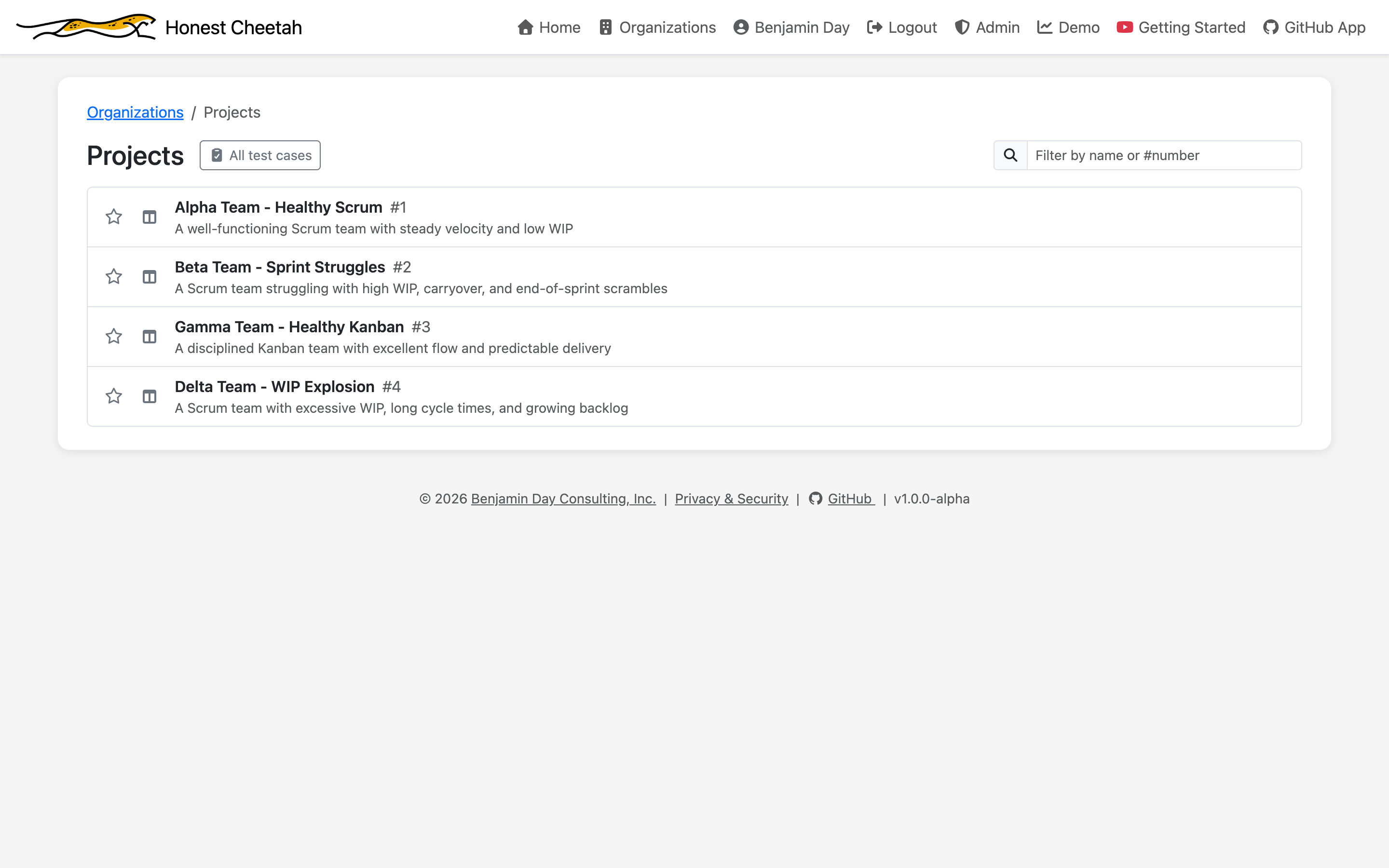
The demo organization has four sample teams with weeks of history — explorable without connecting a real GitHub org. Read-only, no strings.
On the bench
What's next, roughly in order:
- Burndown — a sprint burndown chart.
- Status reports and sprint review decks — meeting-ready, generated from the board and the test runs.
- A sprint taskboard — the wall of cards, for teams that want one.
Tell us what's wrong with it
We'd rather hear it now. What's confusing, what's missing, what you'd pay for, what you'd never use. feedback@honestcheetah.com
Five people. Fifteen days. Everything.
The whole product for your organization's first 15 days, up to five people. No feature gates. After that it's per seat. Pricing →